Why Games Can Stutter at High FPS: Look at Frame Times Too
The average FPS does not indicate that the game is in the same fluency at all times. Compare the frame time, scene and graphic settings together in the video card evaluation.
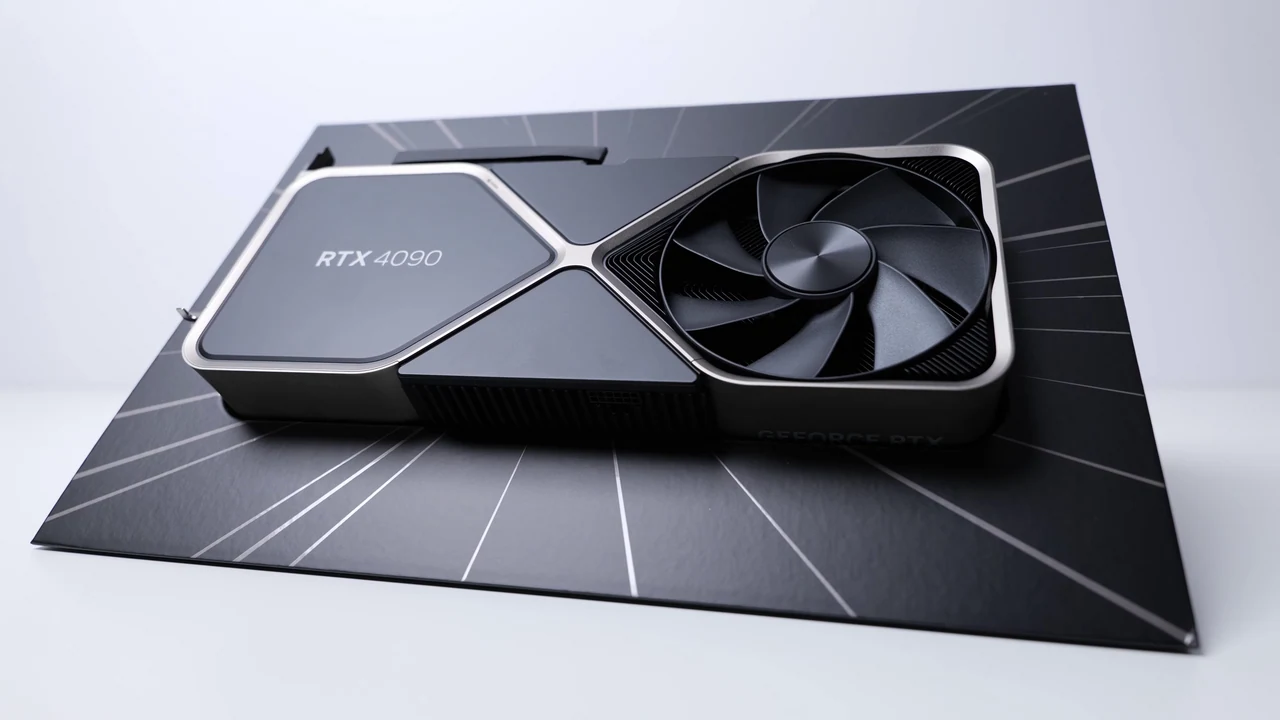
Seeing a high FPS value at the corner of the screen does not indicate that all frames come at regular intervals. It can store average, short-term slowdowns. When evaluating the screen card or graphics settings, it is necessary to study not only the number of frames per second, but also the distribution of the squares over time.
Same average, different experience
Consider a simple example: at a steady 60 frames per second, the average time per frame is approximately 16.7 milliseconds, calculated as 1000 divided by 60. In a real game, individual frames may take different amounts of time. Longer frames can cause brief stutters even when the average FPS looks good.
This account is not a performance test of a product. Its purpose is to explain the relationship of square time with FPS. The fluency felt is also linked to other factors such as screen, input latency, and game behavior; do not diagnose a precise malfunction over a single graph.
Convert measurement to record
NVIDIA's FrameView descriptionIt states that the application can display and save measurements such as frame speed and frame time to the log file. Check the support and measurement limits for the hardware you are using. A game's own built-in performance screen can also provide initial observation.
The recording should include the game version, graphics settings, resolution, and the scene you measure. Writing 'ultra settings' alone may not be enough; note them separately if there are options such as scaling, ray tracking, or square production. Do not compare different settings like the same experience.
Move forward with single variable
Let's set up an original trial plan: start at the same registration point and walk the same route, then repeat it by changing a single graphics setting. Separate the first upload moment from continuous gameplay. Add this to the record if download, update or heavy application is running in the background.
Is the hookup at the same point each time, or random? When the setting is lowered, does it change average alone, and long frame times decrease as well? These questions make more tangible progress than saying 'screen card is not enough' without any measurement.
Don't make any new hardware decisions right away
Observation does not prove that the reason is strictly a video card. A game update, driver, storage, or other system load may also require research. Get drivers from the official source; do not install random performance packages found on the Internet or turn off security settings.
At the end of the comparison, instead of a broad judgment such as 'this card is bad', write down what you see in what game and under what circumstances. A good performance assessment is not to select the highest number; it is to describe the experience that the user will encounter with the right limits.
Resources
- NVIDIA - FrameView · 6 October 2026