Why AI Videos Feel Disconnected: Build a Four-Scene Edit in CapCut
Prepare a four-stage AI video plan instead of randomly combining beautiful clips. Check the frame, motion, subtitle and audio consistency in CapCut.
Putting four impressive AI clips back-to-back doesn't always create a story. If the camera moves left and right in one scene; if the color and light of the product also changes, the viewer can't stay in the same world. Starting the fiction from the clips reduces this disconnect.
First, a 24 second skeleton
For example, consider a completely fictional video that introduces a tabletop design product. In the first six seconds, the product is shown as a whole, every detail in the second six seconds, the context of use in the third six seconds, and the whole view again in the last six seconds. Six seconds is not a mandatory platform rule; it is the initial plan that makes it easier to compare the four sections.
Type the object, camera direction, light and start-end frame on each scene's card. If you don't want the same product to change shape in each production, re-set the reference to be used and details that should not change. Do not generate function representation with AI without verifying the actual product properties.
Eliminate clips before switching to CapCut
Don't try to hide it with the transition effect if the product has melting, writing residue or unexpected object on its surface. Fix or remove the problematic clip first. Consider side by side the last frame of one scene and the first frame of the next: does the location and direction of movement of the object establish an intelligible continuation?
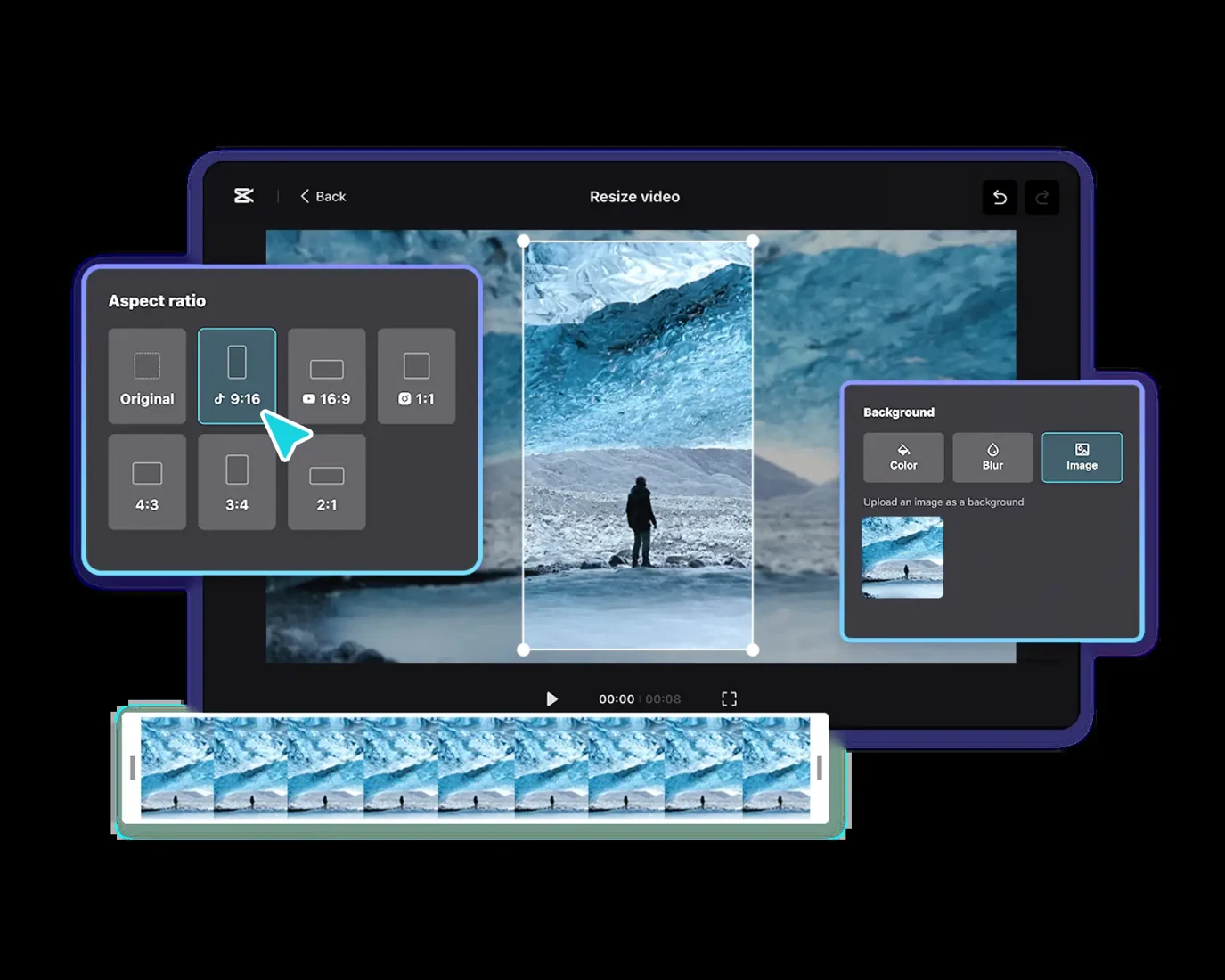
CapCut's resize toolChanging the project rate allows for preview of the result. However, changing the rate does not mean that each scene will automatically enter a good frame. Check separately in each clip that the object is not cut off from the edges in the vertical project.
Use subtitle as information, not props
CapCut automatic subtitle production Presents and allows editing of the produced text. Compare the specific names, numbers, and negatives in particular by voice. Misheard of a word can reverse the meaning of the whole sentence. Automatic production does not replace human control.
Try how much of the subtitle you show at the same time on the phone screen. Adding long posts that are constantly moving over quick cuts can make it difficult to watch. Create a plain version first; remove it if the effect does not contribute to understanding.
Do the final control in two different ways
Watch the video quietly first: can the relationship between the scenes be understood? Then listen to the sound without looking at the screen: does the narrative carry unnecessary information, does the closure come in a hurry? Finally, watch the two together and evaluate the subtitle timing and whether the music suppresses speech.
Also verify the right to use it for music, sound and visual. Don't introduce scenes produced with AI like real shooting or real experience. Good editing is not about using more transitions; it's about making the scenes carry the same idea without creating unnecessary friction.
Resources
- CapCut - Video Resizer · 6 October 2026
- CapCut - Auto Caption Generator · 6 October 2026