A Nice Pattern but Visible Seams? Test the Repeat with One Tile
Design a simple repeat pattern with your own motif. Check the edge match, space rhythm and color balance over a six-copy rehearsal.
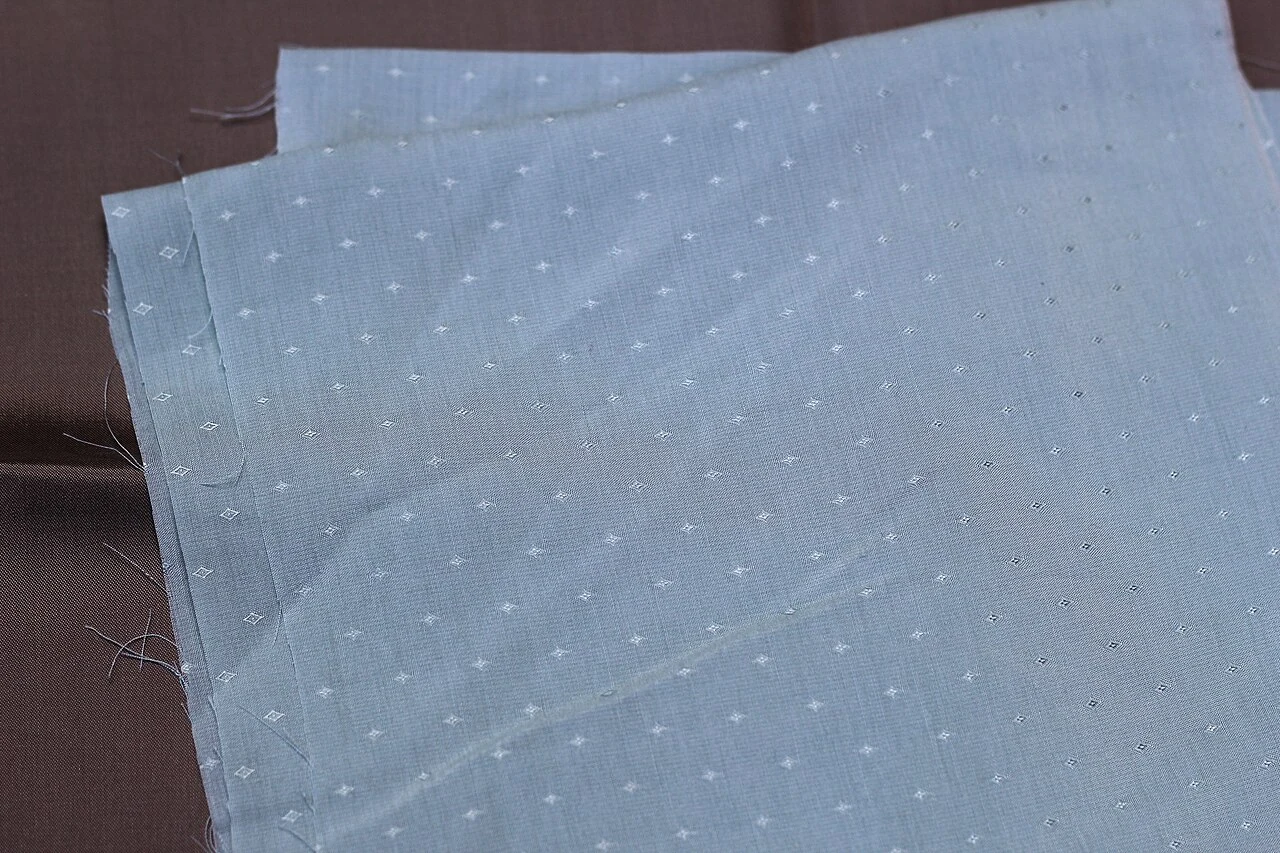
A motif may look beautiful on its own; hard lines or unwanted empty aisles may occasionally occur when it is reproduced side-by-side. What should be considered in the repetitive pattern design is not just the motif, but the rhythm that the tiles set up together. It does not require a complex application to begin with: your own drawing, a square workspace, and several copies are enough.
Start with a square and one motif
Draw a square on paper or open a square workspace in your digital design tool. In this original exercise, use a leaf or abstract drop that you have drawn yourself as a motif. Do not cut someone else's licensed pattern into pieces and present it as a new product. On the first try, place the motif without touching the edges of the square.
Record the size of your workspace. For example, selecting a square of 600 ⁇ 600 makes it easier to compare edge positions; this number is not a universal resolution proposal for printing. Production purpose and physical print size should also be planned later.
The piece from the side must continue on the opposite side
If you carry some of the motif from the left edge, the same piece must continue at the right side at the right height. In digital work, you can make a position difference between the left and right copy as much as the full tile width. The same logic for the top and bottom is applied with the tile height.
You don't have to use complex corner overflows on the first attempt. First solve a single edge match. If you are working on paper, keep an eye on the continuation of the line by bringing the opposite edges side by side. Even a millimeter shift can become apparent when repeated.
Two rows, three columns of rehearsal
Multiply the tile in two rows and three columns. Make sure that all copies are of the same size and that no spaces are added in between. Now see the rhyming formed from a distance, not just the join lines. Do the motifs accidentally create a cross lane or large empty space?
When you find an error, do not fix all copies separately. Change the main tile and recreate the rehearsal so that the only source of the pattern is preserved and no different tiles are formed in the delivery file.
Replicate the color last
Canva's color circleIt is a starting source explaining how to install palettes with single color family or neighbouring colors. Use a master color and plain background at the first rehearsal. Adding a large number of colors without solving the edge problem can hide the error.
Check the final design both closely and in small preview. Also verify the relevant manufacturer's file and color requirements if it is to be used for fabric, wallpaper or digital product. The good pattern of repetition is not only a beautiful tile; it is a pattern that appears conscious when it multiplies.
Resources
- Canva - Color circle and color harmony · 6 October 2026