Switch 2 Storage: Game Files and Save Data Are Not the Same
Nintendo Switch 2 uses microSD Express for game storage; progress records are kept separate. Check compatibility and data type before switching cards.
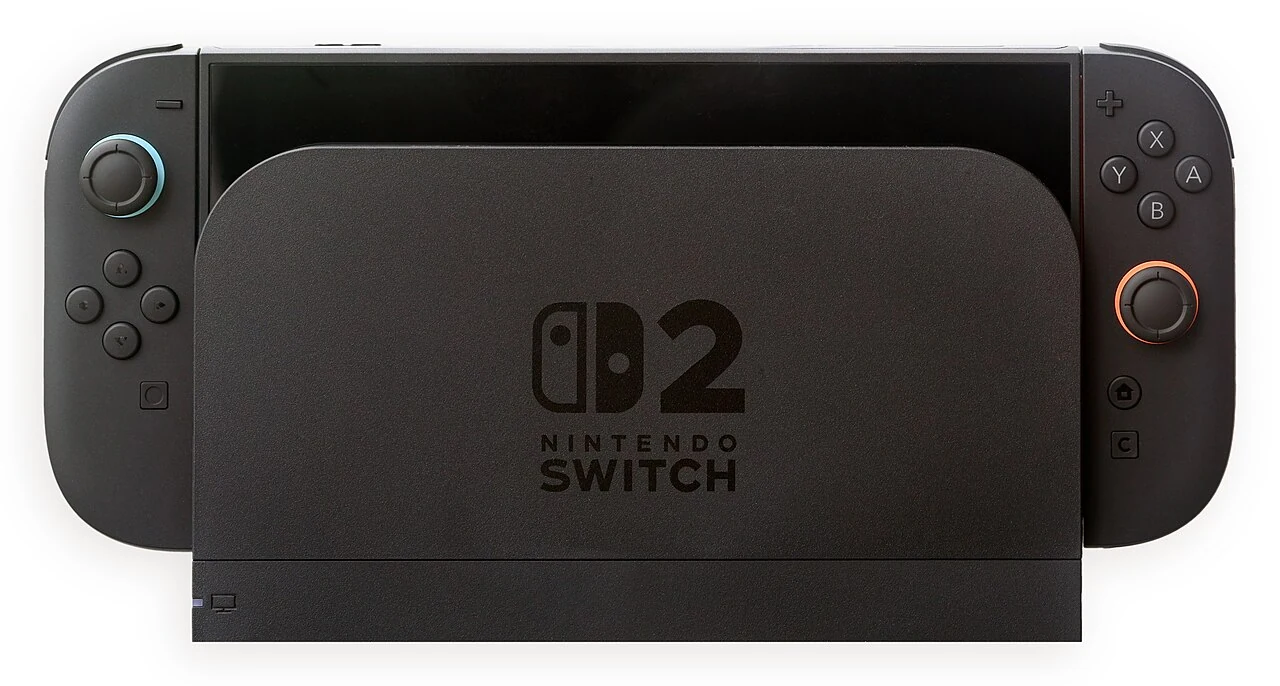
Don't assume that the memory card on your old console will do the same job on the new console. Nintendo Switch 2 is as important as the standard of the storage card. The downloaded files of the game, screenshots and progress in the game are not the same type of data. Carrying one does not mean that the other is copied.
Don't look at the capacity alone on the card
Nintendo's official statementThe Switch 2 states that it uses microSD Express cards for game storage. Ordinary cards used in the previous Switch that do not support the Express standard cannot be used for the same purpose. The ability to import screenshots from the old card does not indicate that that card works as a game disk on the new console.
Check the full product name and standard before purchasing. Do not use the high capacity or speed emphasis on packaging instead of compliance approval. This article does not recommend specific brand, price, or capacity; it offers a checkpoint so that you do not choose the wrong standard.
Progress record is not in the card
Nintendo's Data Management Guide According to the game records are kept in the console's system memory. Do not confuse the recording data with the order to store the software and additional content. Copying the card does not mean that all progress is backed up.
Use three titles in your own note: downloaded gameplay and additional content, captured images and videos, game progress recordings. Verify from the description on the menu which action you are going to do affects it. Do not confuse operations that have different results such as deleting a user account with storage cleanup.
Select the smallest operation when opening space
If you're not going to play a game for a while, know that the process of deleting records is separate with the removal of software data. However, if you're not sure what you're doing, don't approve without reading the warning on the screen. If your screenshots are important to you, copy them with the supported method and verify that the copy has been opened.
Follow the manufacturer's current transport instructions when switching to the larger card. Do not combine game files on different cards indiscriminately. Follow the console's respective instructions before removing the card; do not disconnect while processing.
Cloud recording also depends on separate conditions
Nintendo explains that the supported games have cloud registration options under membership. Do not interpret this as an automatic and unlimited guarantee for all games. Check also the support for the game you are playing and the latest successful recording status in your account.
The result of good storage management is not only more free space. Knowing which file is where and what the decision to delete affects. When you set this distinction before the large number on the card, you help prevent a small cleaning process from putting significant progress at risk.
Resources
- Nintendo - microSD Express Card FAQ · 6 October 2026
- Nintendo - Switch 2 Data Management FAQ · 6 October 2026