Matter, Thread and Wi-Fi Are Different: What to Check Before Building a Smart Home
Learn the difference between Matter, Thread, and Wi-Fi. Check together the protocol, network connection, controller, and router requirement in smart home product.
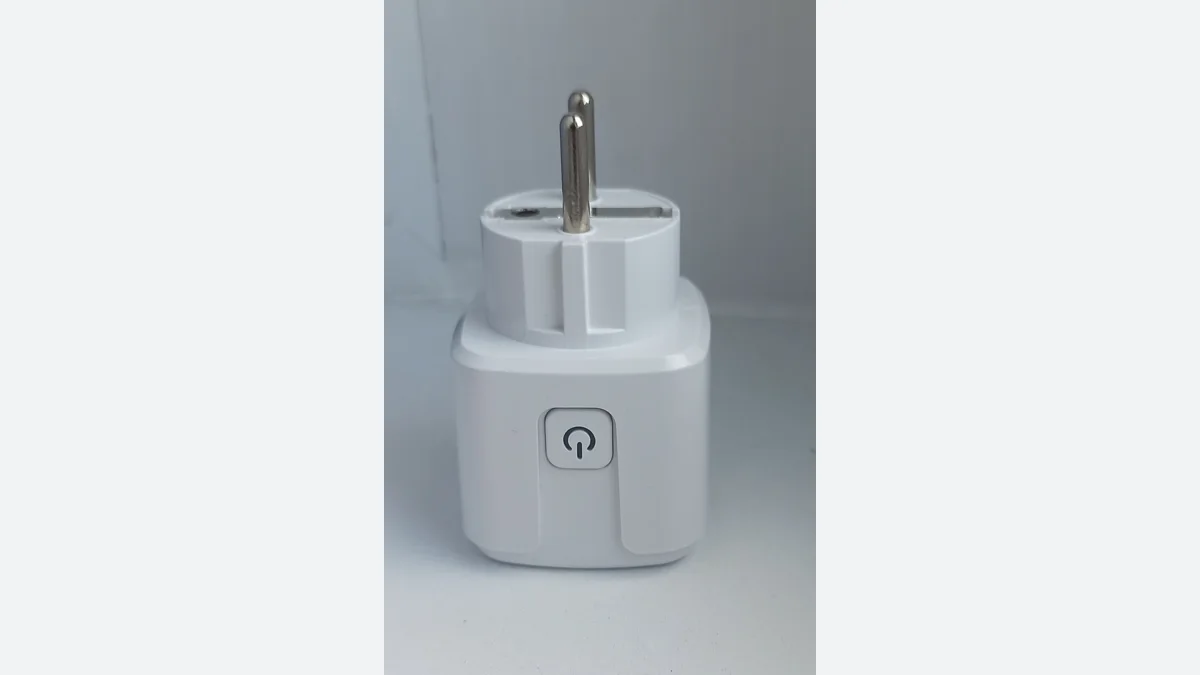
When choosing a light bulb, sensor, or outlet, you may encounter multiple connection names in the box. Reading Matter, Thread, and Wi-Fi like three competing options is confusing. The more accurate question is: which common language does the product speak, which network does it carry over, and which system will manage it in your home?
Split the connection path with the common language
The Connectivity Standards Alliance defines Matter as an IP-based interoperability protocol. The official statement states that Wi-Fi and Thread network layers are associated with the installation process, while Bluetooth Low Energy is associated with the installation process. So the fact that a product is Matter compatible does not necessarily mean that your home will connect directly to the Wi-Fi network.
You can convert this distinction to a short shopping note: Type "What connection does the matter have?" next to the question "What connection does the matter run on?" If the product page has a smart home logo alone, open the technical features and installation manual. Do not assume an unspecified requirement will come out of the box.
What does Thread Border Router do?
Thread Group explains that Border Router transmits packets on the Thread network to other IP networks; its function is not to translate a specific brand's application into another language. This function can be found inside a compatible device as well as in a separate box. Having a smart speaker at home is not enough information alone: you should check if this function is present in the exact model you have.
The common comparison error here is to equalize the presence of the gateway with application compatibility. The function that establishes the network connection and the features that the application you manage the device supports are different control items. Verifying one does not confirm all the details of the other.
Prepare a four-line plan for your home
The initial plan I propose includes the full model of the product, the application or ecosystem you are going to use, the network connection, and the additional hardware required in separate lines. In the last line, write down the function you want clearly: for example, alone on-off, timing, automation with another sensor? Thus, the comparison comes from a very general question, "Is it smart?"
Make the first attempt with a single room and a single simple scenario. Note the application name you use during installation, the devices you add, and the step in which you get results. Instead of adding many products at once, aiming for this small layout to be understandable first makes it easier to monitor subsequent problems.
Trust the documented composition, not the logo
Looking at a product's certificate and support information is more useful than repeating the store description. However, don't read the certificate like the promise of unlimited features that cover all your requests. The product, software version, controller and function to be used should be evaluated together.
This guide is not a physical test of a particular smart home product. The proposed method is a control framework designed to avoid post-shopping surprises due to incomplete hardware, false network expectation, and uncertain compatibility.
Visual and source note
Photo: Sokolikmawwer0 · CC BY-SA 3.0. 16:9 fit into the ground; sizing and WebP conversion; subject not cropped. The license of the photo is related to the visual; the writing was originally prepared.
Resources
- Connectivity Standards Alliance - Matter · 6 October 2026
- Thread Group - Border Router description · 6 October 2026
- Cover photo and usage license · 6 October 2026