Is iCloud Photos a Separate Backup? Understand the Difference Before Deleting
iCloud Photos syncs; it's not the same as device backup. Check your copies before you delete or change a phone.
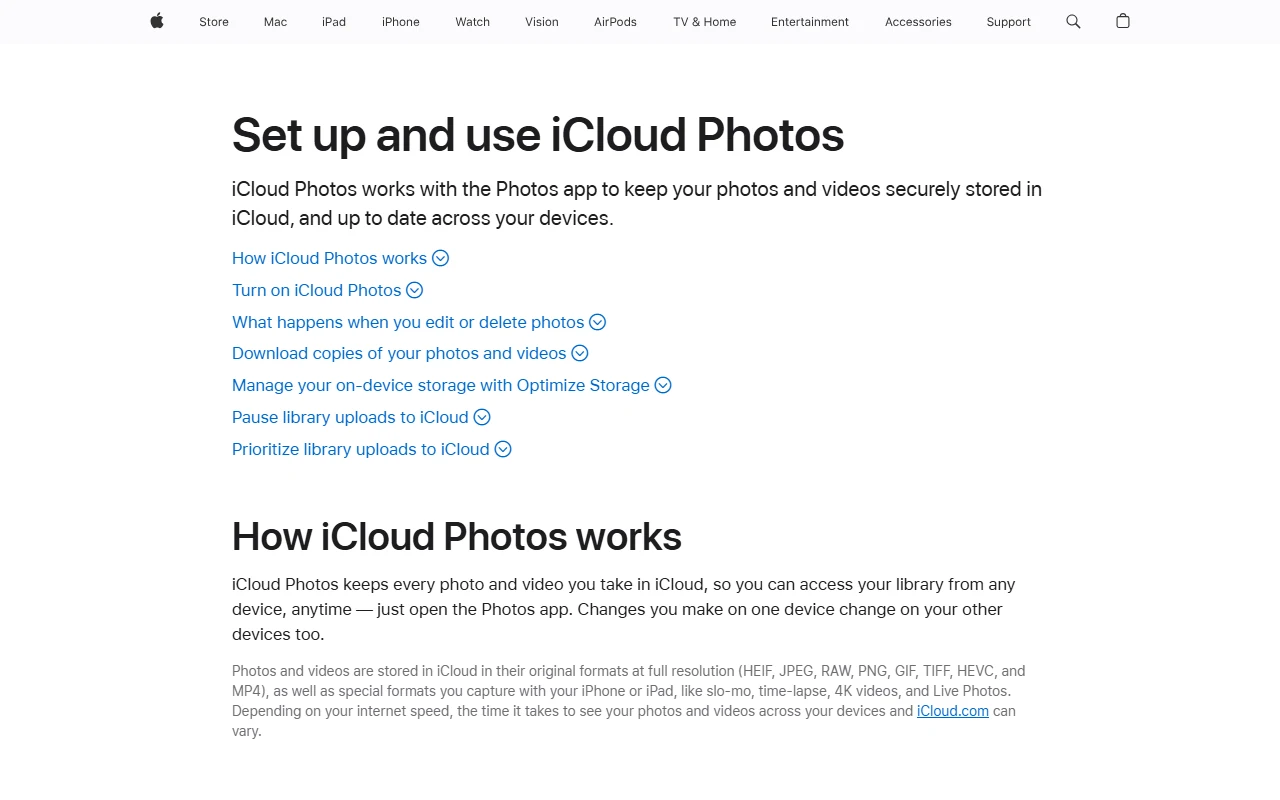
Removing the photo on the phone and assuming it stays in the cloud can be an expensive misunderstanding. First determine whether the service you are using is a sync, device backup, or independent file copy. These three methods solve different problems. Before deleting any photos, you need to check your current settings and copies that you can actually access.
Synchronising updates same library
Apple's statement According to iCloud Photos, deletion from a device is also reflected on other devices that are synced with the same Apple Account, so seeing the same photo on the second phone does not indicate that you have a second archive independent of the deletion process.
To understand your own system, type in three locations: the location of the photo on your phone, the account where it is synced, and also the independent copy you keep. If you can't fill in the third field, you may be counting the same thing as having it backed up with it appearing in the cloud. Do not store the account password or recovery code on this note.
Device backup does not collect everything a second time
Apple's iCloud backup guide, explains that the information already synced with iCloud is not included again in the device backup. Photos do not automatically turn into a separate second copy just because you have a phone backup when iCloud Photos are turned on. The backup coverage should be evaluated based on the services you keep open.
Also ask what data you want to protect when you see the phrase 'Backup completed'. It is different goals to restore phone settings, revert to what a particular photo was before it was deleted, and keep a large archive elsewhere.
First, a small copy attempt
Instead of deleting or public transport, select a single example photo that is not sensitive. Export to separate storage in your own control and open the file from there. Is the resolution, date information and file type you expect suitable for your use? Can you access that copy without looking at the synced library?
This essay does not prove that the entire archive has been moved; it tests that your method works alone. Also do checks such as number of files, transfer errors, and opening sample files in large transfer. Do not just see the folder name.
Make the deletion a final step
Check storage options before deleting random photos to empty the phone. Don't rely on the conditions of recovery areas like Recent Deletes; time, type of deletion, and account status are important. Verifying an independent copy of the important file is a more robust approach, even if the recovery seems possible.
This guide does not access your account and cannot verify that your archive has been backed up. The important thing is to add 'in what service, scope and without deletion?' next to the phrase 'in the cloud'. Instead of rushing through data cleanup, check the return path first.
Resources
- Apple - What does iCloud back up? · 6 October 2026
- Apple - Do not delete photos · 6 October 2026