Headphones Connected to Two Devices but No Sound? Understanding Multipoint
Learn the multipoint difference with pairing when using Bluetooth headset with phone and computer. Audio transition, call priority, and model boundaries.
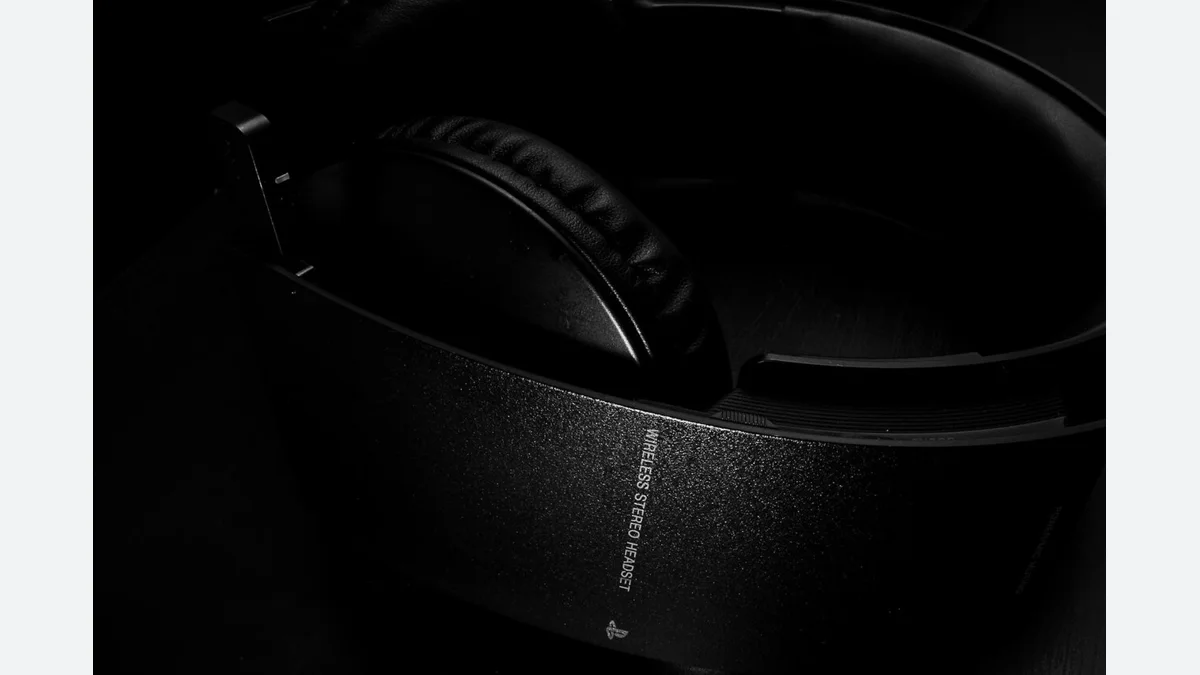
On the computer comes the call from the phone while watching the video. The headset is recorded on the Bluetooth list of both devices, but the audio transition you expect does not occur. In this case, the first thing to look at is not how many devices the headset remembers, but how the two devices work at the same time.
Matching record is not a concurrent connection
The multipoint function is different when a device appears to be registered in the Bluetooth list. Sony's WH-1000XM4 manual describes opening the corresponding option in the application for connection with two devices and connecting the devices separately. The same guide describes stopping the first playback to listen to music from the other device. The fact that the two connections are open does not mean that the two sounds will overlap.
It is important not to carry the behavior of this model to every Bluetooth headset. For example, Sony's WH-CH710N document describes the use of two devices for music with the A2DP, HFP/HSP profiles for search. The model name and connection profile give more information than just the phrase "two devices support".
Follow a clean line to reproduce the problem
The trial I suggested involves two separate stages, first in the form of a phone, then a computer. First connect the headset to the phone alone and play a normal audio recording. Then do the same process with the computer alone. If both independent uses are working, switch to concurrent use according to the manufacturer's multiple connection instructions so that you can separate the basic connection failure from the transition behavior between devices.
In the second stage, stop playback on the computer and start it on the phone. Then try the reverse. See which device is selected as the audio output at each step. Starting to try by opening meeting app, browser video and phone music at the same time can make it difficult to understand where the problem comes from.
Try the interview scenario also
Even if the music transition was successful, check also your expectations in the interviews. If I were you, I would add a short trial to the purchase evaluation on the meeting app I used daily: where does the sound come from, what microphone is selected and how does the previous playback behave when the interview is over? Compare these observations with the model's own support document. Physical testing was not applied to an earpiece during the writing of this guide.
Is there a condition in the sound quality settings?
The WH-1000XM4 manual has the note that when two devices are connected at the same time, LDAC cannot be used and is passed to AAC or SBC. This is not a valid rule for all brands; it is a concrete example of how properties can depend on the model of their use together. Do not assume that the two features written separately in the technical table will work at the same time.
Prepare a control card when choosing: the full model, the required application setting, the operating system of two devices, the interview application you are using, and the exceptions specified by the manufacturer. Make your final decision based on the fact that your transition scenario has been documented and tested, not the phrase "it has the most features".
Visual and source note
Photo: Allan Barger.jpeg) CC BY-SA 3.0. 16:9 fit into the ground; sizing and WebP conversion; subject not cropped. The license of the photo is related to the visual; the writing was originally prepared.
Resources
- Sony WH-1000XM4 - Multipoint connection · 6 October 2026
- Sony WH-CH710N - Link profiles · 6 October 2026
- Cover photo and usage license · 6 October 2026